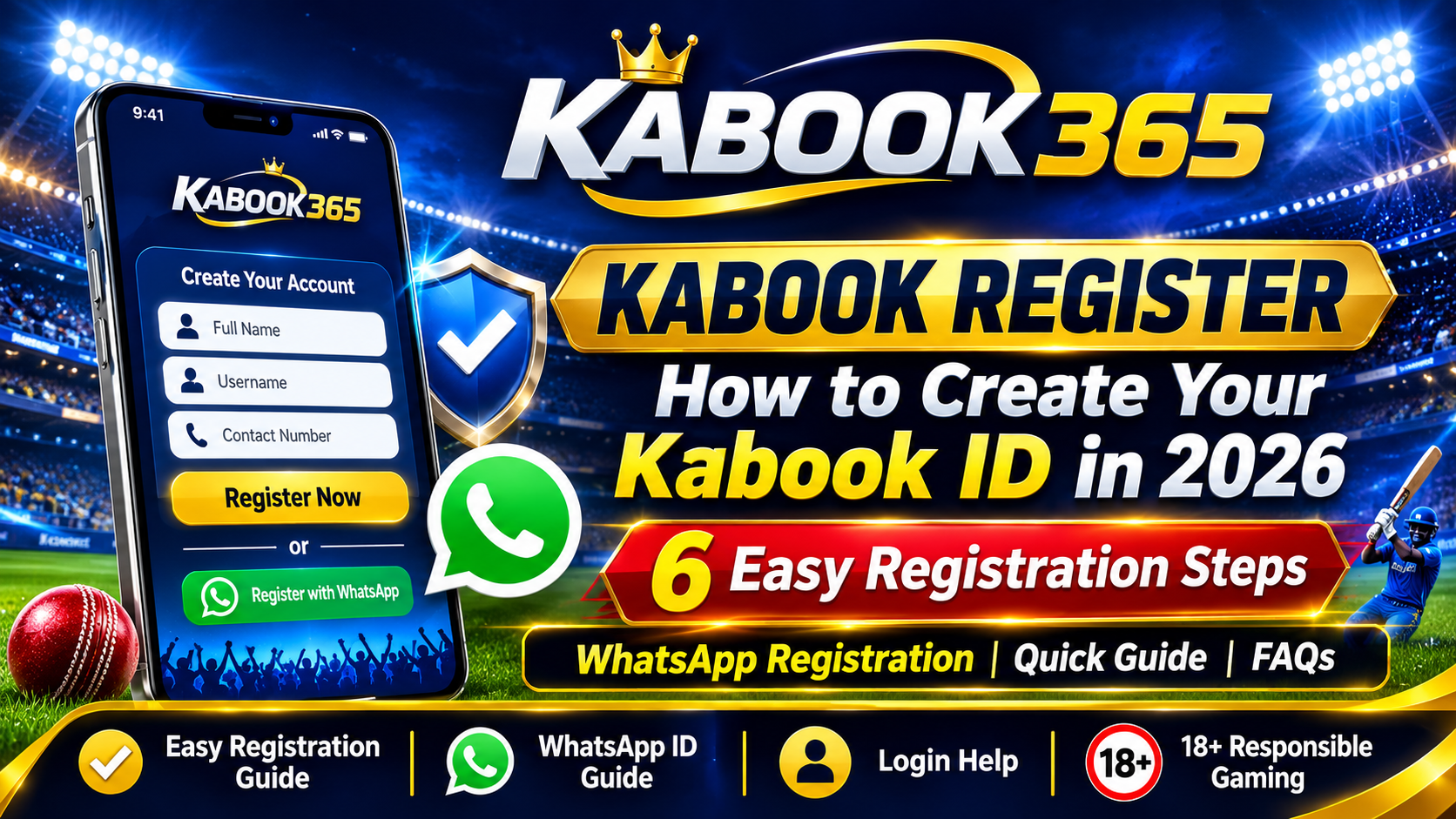
Kabook Register: How to Create Your Kabook ID in 2026
Quick Answer: How to Complete Kabook Register
To complete the Kabook register process, visit the official Kabook365 website, open the Register page, enter the requested details and follow the available registration instructions. If WhatsApp verification is offered, use your own active WhatsApp number to contact the official support channel. Always verify the website address before sharing personal information.
Registration is intended only for adults aged 18 and above. Check applicable online gaming laws in your state or region before proceeding.
What Is Kabook Register?
Kabook register refers to the process of creating a new account and obtaining a Kabook ID on the Kabook365 platform.
A Kabook ID is used to access the platform through its login page. New users should understand the registration requirements, account security practices and available support options before creating an account.
The Kabook365 platform covers different online entertainment categories, including cricket, football, tennis, casino-style games and other digital gaming options, subject to applicable regional restrictions.
If you already have an account, you do not need to register again. You can use the Kabook Login page to access your existing account.
What Do You Need Before Kabook Registration?
Before starting the Kabook365 registration process, consider the following requirements:
-
Age requirement: You must be at least 18 years old.
-
Active mobile number: Keep a mobile number that you personally control.
-
WhatsApp access: If registration requires WhatsApp communication, make sure your number is active.
-
Internet connection: Use a stable connection and an updated browser.
-
Account security: Create and maintain a strong, unique password.
-
Legal awareness: Check whether the relevant online gaming services are legally permitted in your location in India.
Never share your OTP, password or confidential account information with another person.
How to Register on Kabook365: Step-by-Step Guide
Follow these general steps to understand the Kabook register process.
Step 1: Visit the Official Kabook365 Website
Open your browser and enter:
Check the website address carefully. Avoid unofficial websites, copied pages and suspicious links.
Step 2: Open the Registration Page
Select the Register option available on the website.
You can also visit the registration page directly:
https://kabook365.games/signup
Step 3: Enter the Required Information
Review the registration form and provide the requested information accurately.
Use your own mobile number and ensure that the details you submit are correct. Do not enter sensitive information into an unverified website.
Step 4: Follow the Verification Instructions
If the registration process offers WhatsApp verification, continue through the official WhatsApp contact option.
Check that the contact link is legitimate before starting a conversation. Never share an OTP or existing account password.
Step 5: Confirm Your Account Details
Follow the instructions provided through the official registration process. Review your account details carefully and keep your login credentials private.
Step 6: Access Your Account Securely
If your registration is successfully completed, visit the official login page and use your verified account credentials.
For additional protection, use a unique password and avoid logging in through public or shared devices.
Common Kabook Register Problems and Their Solutions
New users may sometimes experience registration or verification difficulties.
Registration Page Not Opening
A slow internet connection, browser issue or temporary website problem may prevent the page from loading.
What to check:
-
Refresh the registration page.
-
Check your internet connection.
-
Try an updated browser.
-
Avoid suspicious alternative registration links.
WhatsApp Verification Not Working
If WhatsApp verification is part of the registration process and you cannot continue, check that WhatsApp is active on your own mobile number.
Use only the official contact details displayed on the website.
Incorrect Registration Details
Incorrect or incomplete information can prevent registration from being completed.
Review the information you entered and correct any mistakes before submitting the form again.
Login Not Working After Registration
If you have already registered but cannot access your account, visit the Kabook Login Guide.
Check your username, password, internet connection and keyboard settings. Never send your password to someone claiming to be a support representative.
Is a Kabook App or APK Required for Registration?
A separate APK download is not necessarily required to access a website through a mobile browser.
Users can visit the official Kabook365 website using an updated browser on a compatible smartphone or computer.
Avoid downloading APK files from unknown websites. Unverified applications may expose your device and personal information to security risks.
Kabook Account Security Tips for Indian Users
Account security should be a priority whenever you use an online platform.
Consider these precautions:
-
Use a strong and unique password.
-
Never share OTPs or passwords.
-
Avoid accessing accounts on public computers.
-
Verify the website URL before logging in.
-
Do not trust unofficial account sellers.
-
Contact support only through verified website channels.
-
Set personal financial limits and take regular breaks.
Read our Kabook ID Safety Guide for more information about account protection.
Frequently Asked Questions About Kabook Register
1. What is Kabook register?
Kabook register is the process of creating a new account and obtaining a Kabook ID through the available registration procedure on the Kabook365 website.
2. How can I register on Kabook365?
Visit kabook365.games, open the Register page, review the requested information and follow the official registration and verification instructions.
3. What is a Kabook ID?
A Kabook ID is an account identifier used to access the Kabook365 platform. Keep your login credentials private and secure.
4. Is WhatsApp required for Kabook registration?
WhatsApp may be used as a communication or verification channel if it is provided as part of the official registration process. Follow the instructions displayed on the website.
5. How long does Kabook registration take?
The time required depends on the registration process, verification requirements and support response time. No fixed completion time should be assumed.
6. Can I register for Kabook on my mobile phone?
You can access the website through a compatible mobile browser. A separate application is not necessarily required for browser-based registration.
7. Is Kabook registration available to everyone in India?
No. Users must be at least 18 years old and must check the laws applicable to their state or region. Online gaming regulations and restrictions can differ across India.
8. What should I do if my Kabook registration fails?
Check your internet connection, registration information and verification instructions. If the problem continues, contact support using the verified contact option on the official website.
9. Is it safe to share my Kabook password?
No. Your password and OTP are confidential. Never share them with anyone, including people claiming to represent customer support.
10. Where can I find the Kabook login page?
You can access the login page directly at:
Final Thoughts on Kabook Register
The Kabook register process is the starting point for users who want to understand account creation and access on Kabook365. Before registering, verify the official website, review the requirements and follow appropriate account security practices.
For users in India, checking local legal requirements and understanding the financial risks of online gaming is equally important.
Important: Kabook365 content is intended for adults aged 18 and above. Online gaming involves financial risks. Participate only where legally permitted, set personal limits and never use money you cannot afford to lose.